
Guard Tour System
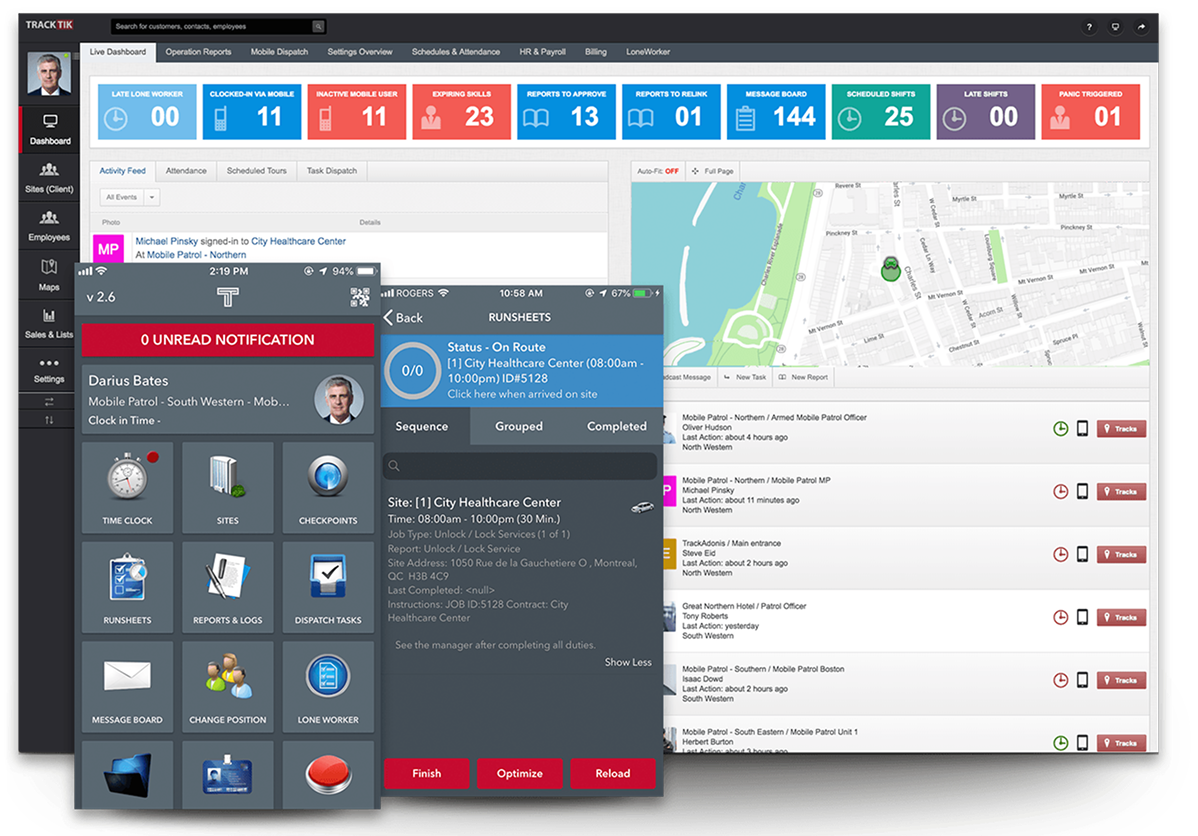
Define your checkpoints to make sure you’re covering your customer’s priorities and take the actions required at your sites. Supporting NFC, barcode, QR code, Aztec, GPS and manual check-in checkpoints, TrackTik allows you to log an incident, display a message, open a report form, ask exception questions, or trigger an incident alert at every checkpoint.
Real-Time Access
Detailed Logs
Customizable Reports
Secure & Confidential
Deliver a proactive guard tour service
Challenge misconceptions around the value of security guarding operations and go from being an ‘unavoidable cost’ to a value-adding service. The TrackTik Guard Tour module enables you to take an all-encompassing look at your operations and develop a strategy that maximizes the value you deliver to stakeholders. Working with your stakeholders, you can identify their most valuable assets and tailor your guard tour accordingly. Define your checkpoints based on this analysis to make sure you’re covering your customer’s priorities and define the actions required at each point. TrackTik allows you to define what happens at each checkpoint, including logging, displaying a message, opening a report form, asking exception questions, or triggering an incident alert. This powerful mobile support is compatible with iOS and Android and works using a variety of checkpoint types such as NFC, barcode, QR Code, Aztec, GPS, as well as manual check-ins.
Live tracking of your frontline security team
As a security operations manager, you will no longer be blindsided after the fact when a shift has been missed or be unsure of delays. Thanks to the seamless flow of live data from your security officer’s devices, receive SMS and email notifications from the ground. With the software designed around managing by exception, you can avoid being overloaded with alerts, only receiving notifications that matter. Using communication tools such as message boards, post orders, and more, reduce the chances of miscommunication and run your guard tour operations easily.
Support and protect your patrol tours
TrackTik’s dynamic guard tracking feature helps you comply with your health and safety obligations towards your security personnel. By allowing you to monitor the status of those working along and equipping your guards with a panic button feature, assist your guards quickly and ensure their peace of mind.In addition, TrackTik’s watch mode audio and video feeds, and recording helps support the security personnel dealing with high-risk situations, such as collecting evidence of criminal activity.
Dynamic Tracking
Live Dashboard
Data Reporting
Security guard GPS tracking and site geofencing
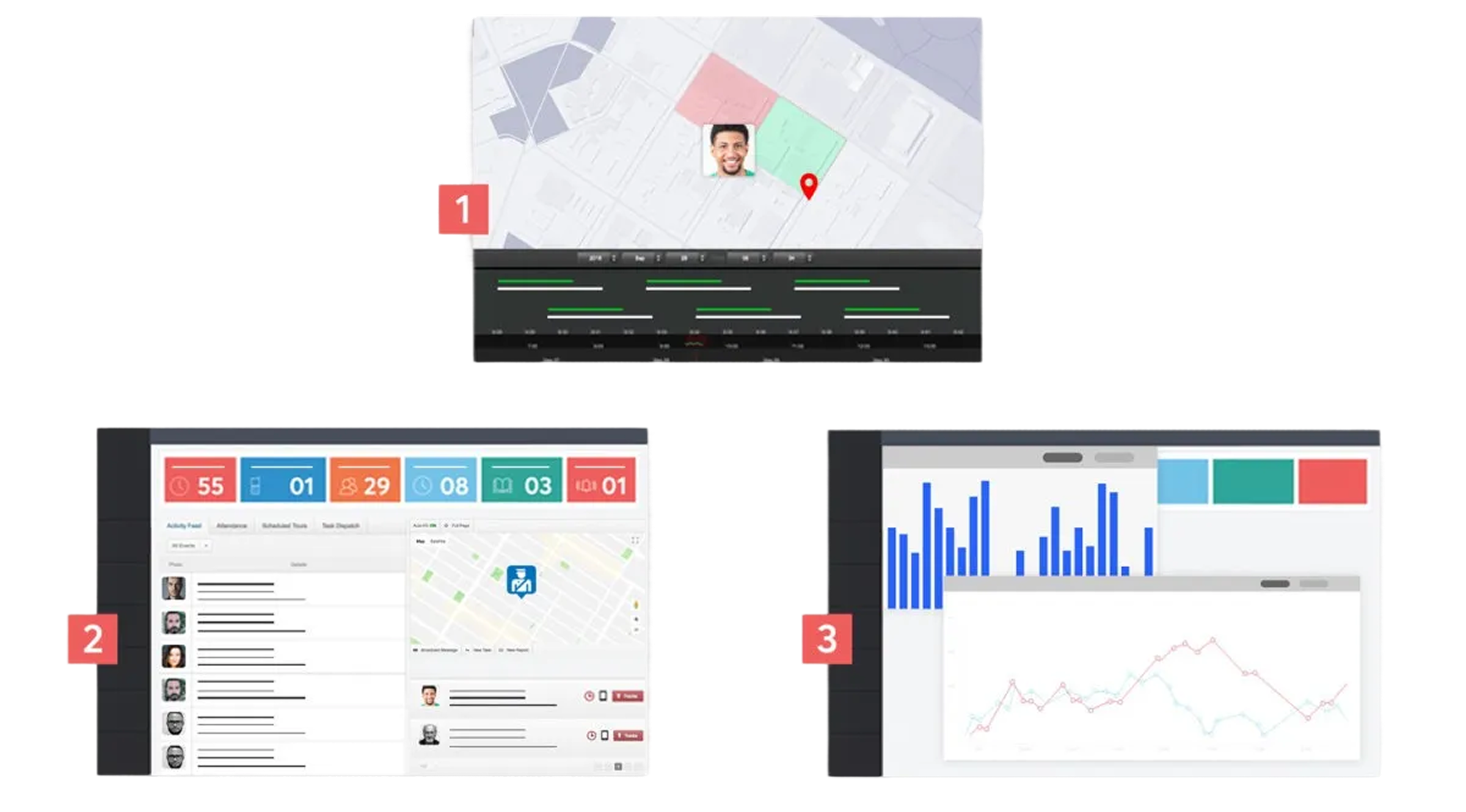
TrackTik allows you to design robust, proportionate and effective guard tour protocols to match the site and areas within a site that you’re tasked with securing. With the geofencing feature, you can establish permitted and restricted zones at your sites, as well as designate special protocols tied to specific locations.
Geofencing works with the live GPS tracking associated with your security personnel’s devices to deliver an at-a-glance map view of your guard tour field operations, and also SMS and email notifications. These automatic notifications can be set up to provide alerts on entering and exiting zones, and to push reminders linked to specific geofenced areas.
Geofencing works with the live GPS tracking associated with your security personnel’s devices to deliver an at-a-glance map view of your guard tour field operations, and also SMS and email notifications. These automatic notifications can be set up to provide alerts on entering and exiting zones, and to push reminders linked to specific geofenced areas.
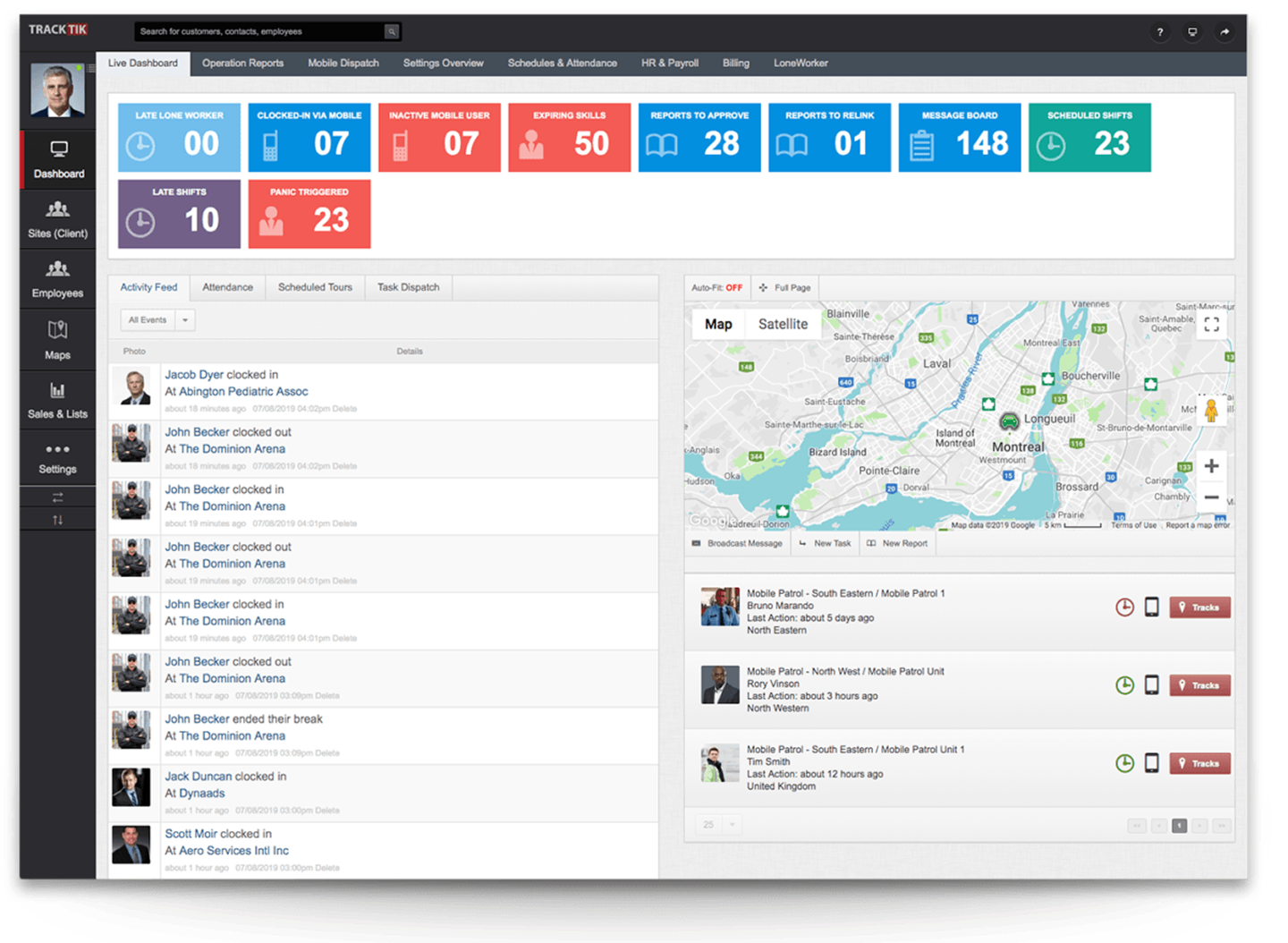
Live dashboard for security personnel management
TrackTik’s live dashboard gives you an immediate view over what’s happening in the field right now, allowing you to assign unscheduled tasks to officers and also communicate via live messaging.
With GPS and geocoded checkpoints, together with real-time security officer tracking, you can present a live picture of your guard tour operations that takes transparency and accountability to the next level.
With GPS and geocoded checkpoints, together with real-time security officer tracking, you can present a live picture of your guard tour operations that takes transparency and accountability to the next level.
Data to improve your security guard services
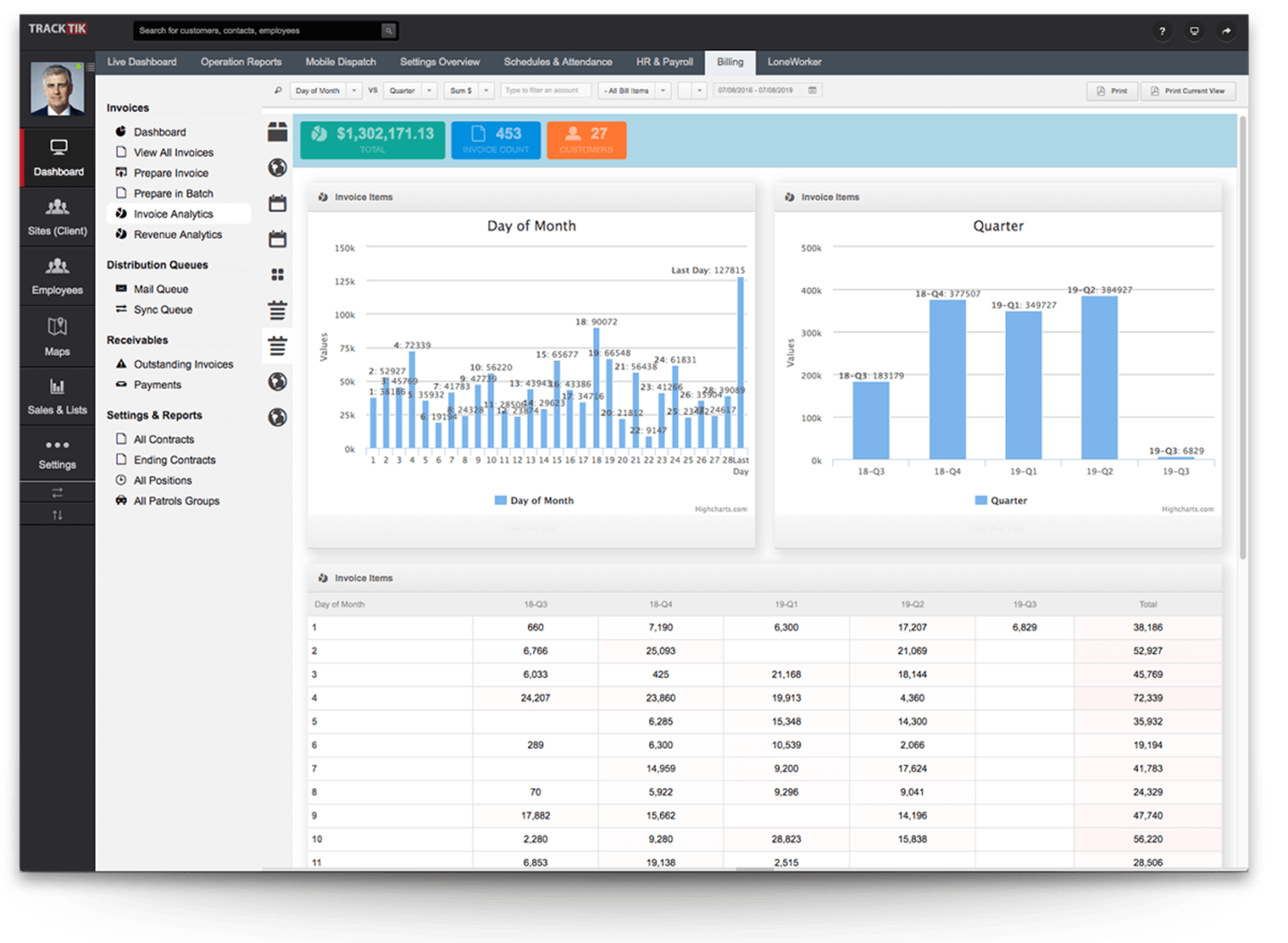
Compile your real-time, operational data to create in-depth reports that you can share with your stakeholders via TrackTik’s Client Portal, email or in person. With data at your fingertips, break down your activities by officer, shift, and account to make sure you’re operating at maximum efficiency. Go even further and review your guard tour operations in detail means to adjust your strategies where needed.
Hassle-free security incident reporting
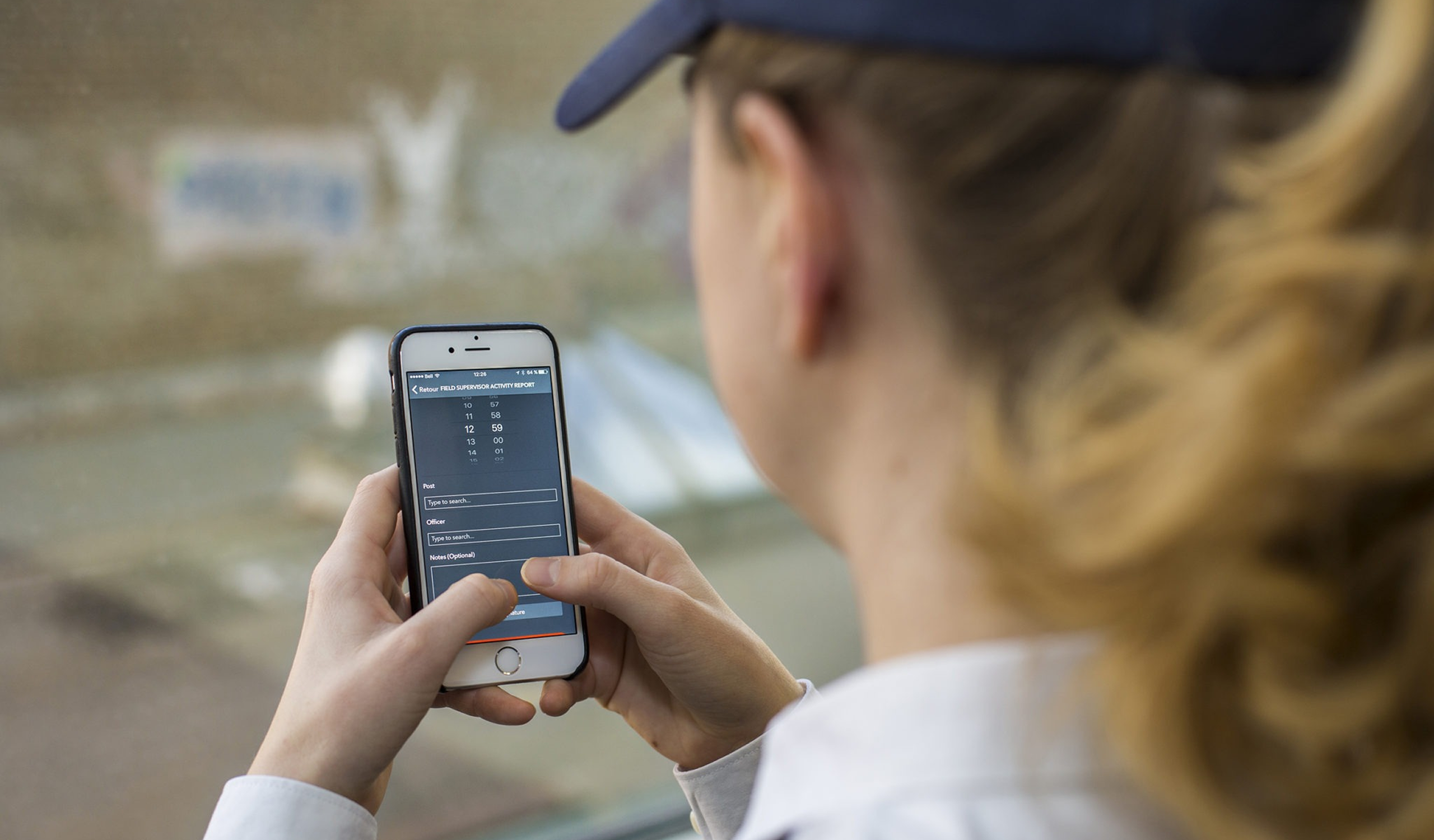
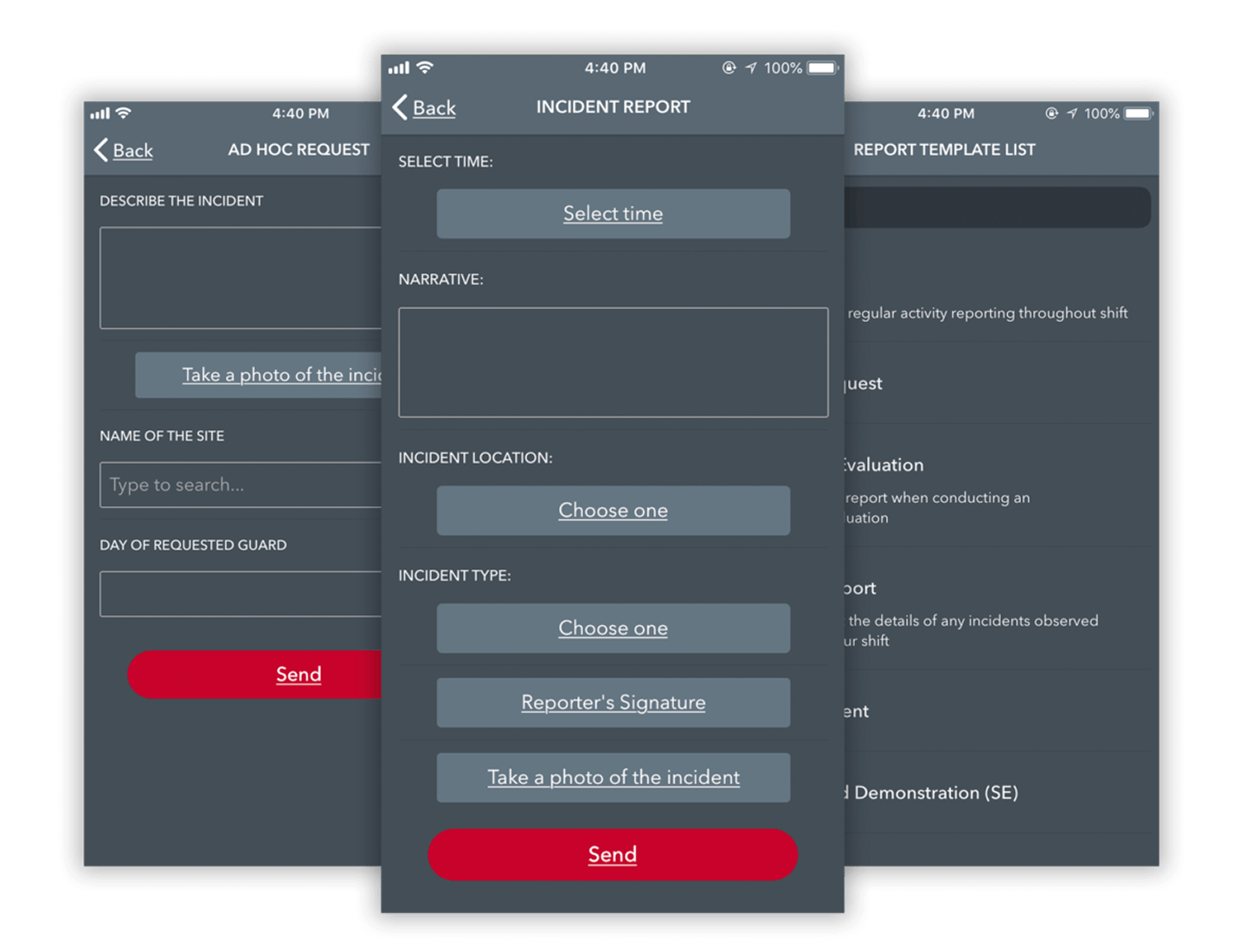
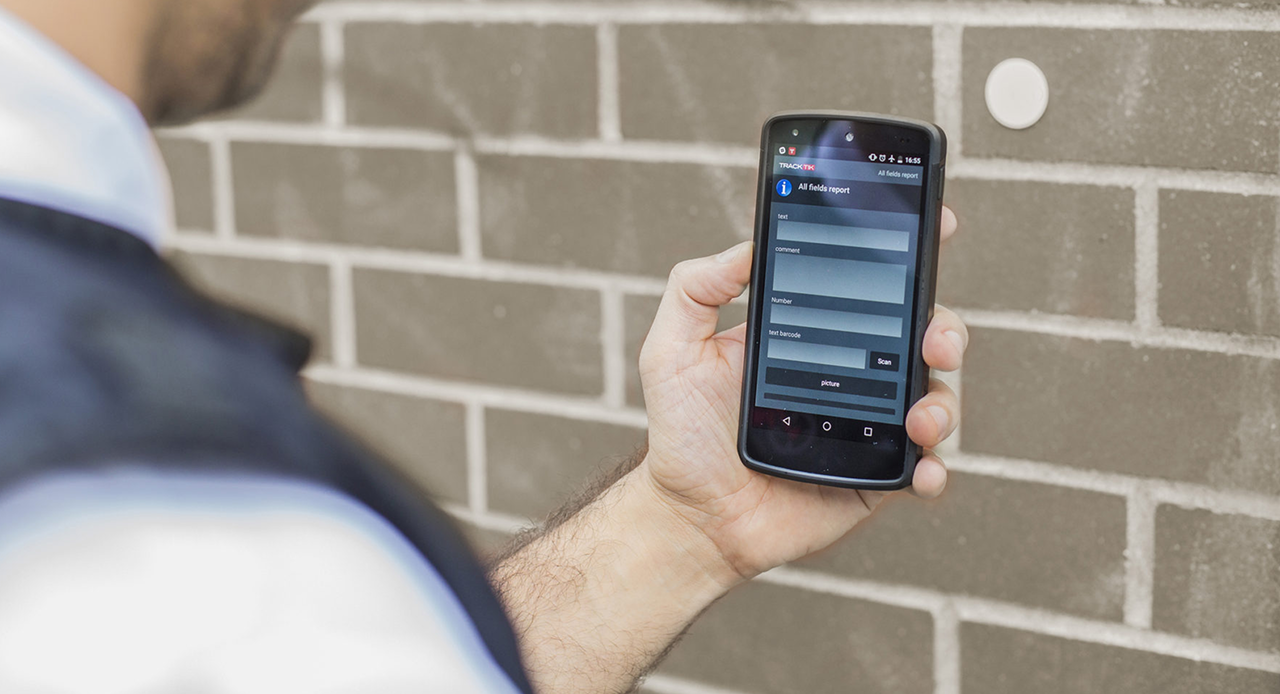
The reporting template can be configured as needed and can include timestamps, GPS location, preconfigured site locations, and images to meet the requirements of your security environment and your stakeholders. You can mix and match free text and drop-down options to further streamline incident reporting on the go.
Real-time communication between security managers and frontline personnel
Not only can you customize your reports to meet your needs, but you can also create different approval levels and email notifications along the report creation process. This will enable management and stakeholders to take the necessary actions and steps when an incident occurs. You won’t have to wait until your next meeting to let the right people know you need a broken door fixed or a leaking pipe welded.
With the real-time communication between security managers and frontline personnel, you can get a more accurate and up-to-date view of your operations and manage them in the most efficient way possible.
With the real-time communication between security managers and frontline personnel, you can get a more accurate and up-to-date view of your operations and manage them in the most efficient way possible.
Timely security reporting data
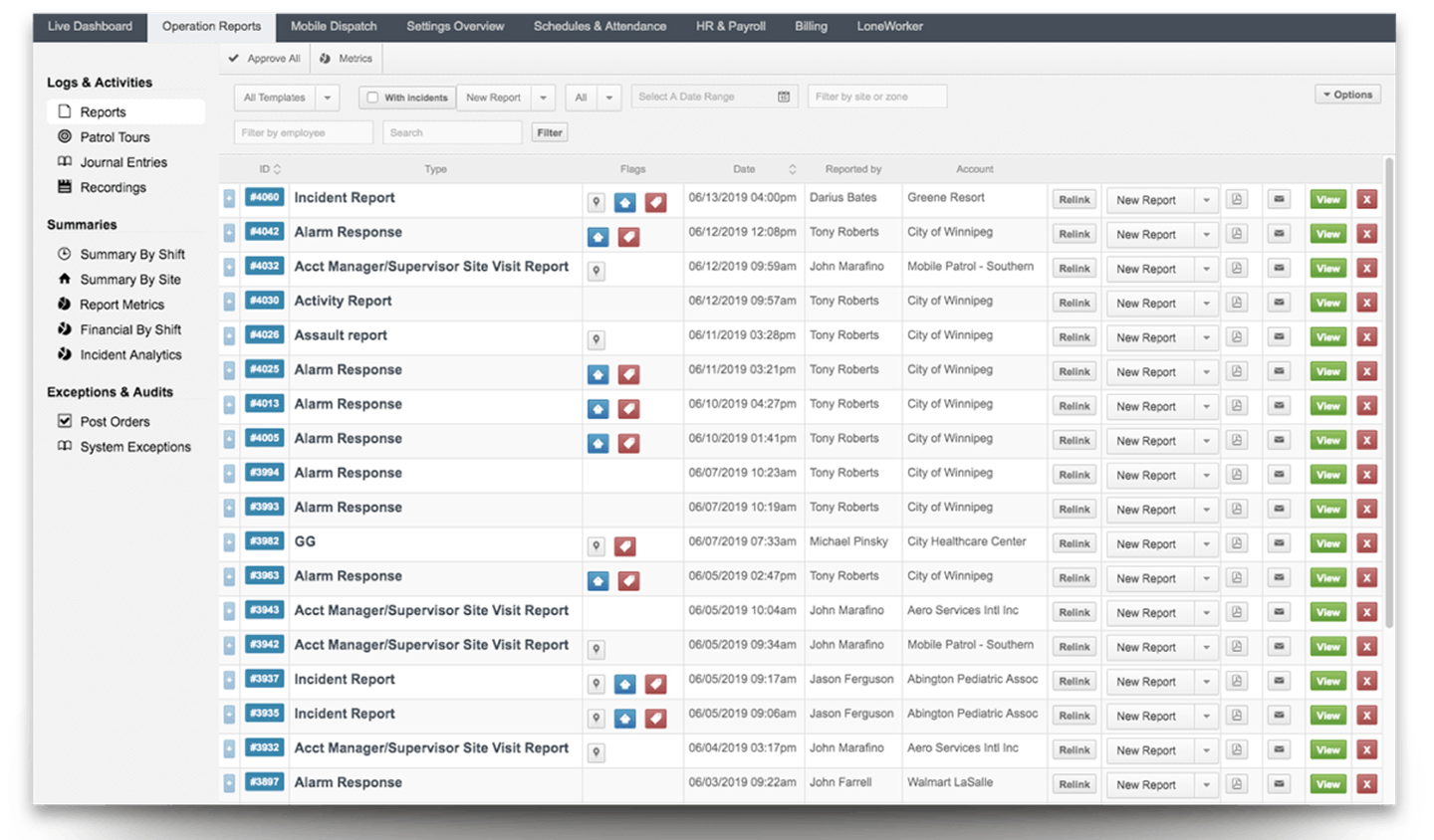
Another benefit of being able to compile reports from a mobile device is that you do not have to wait until a security officer returns to their work station to compile a paper report. By receiving reports in a timely manner, you’ll be better equipped to make strategic decisions based on the info they contain and will be able to communicate to your stakeholders while your reporting data is still relevant.