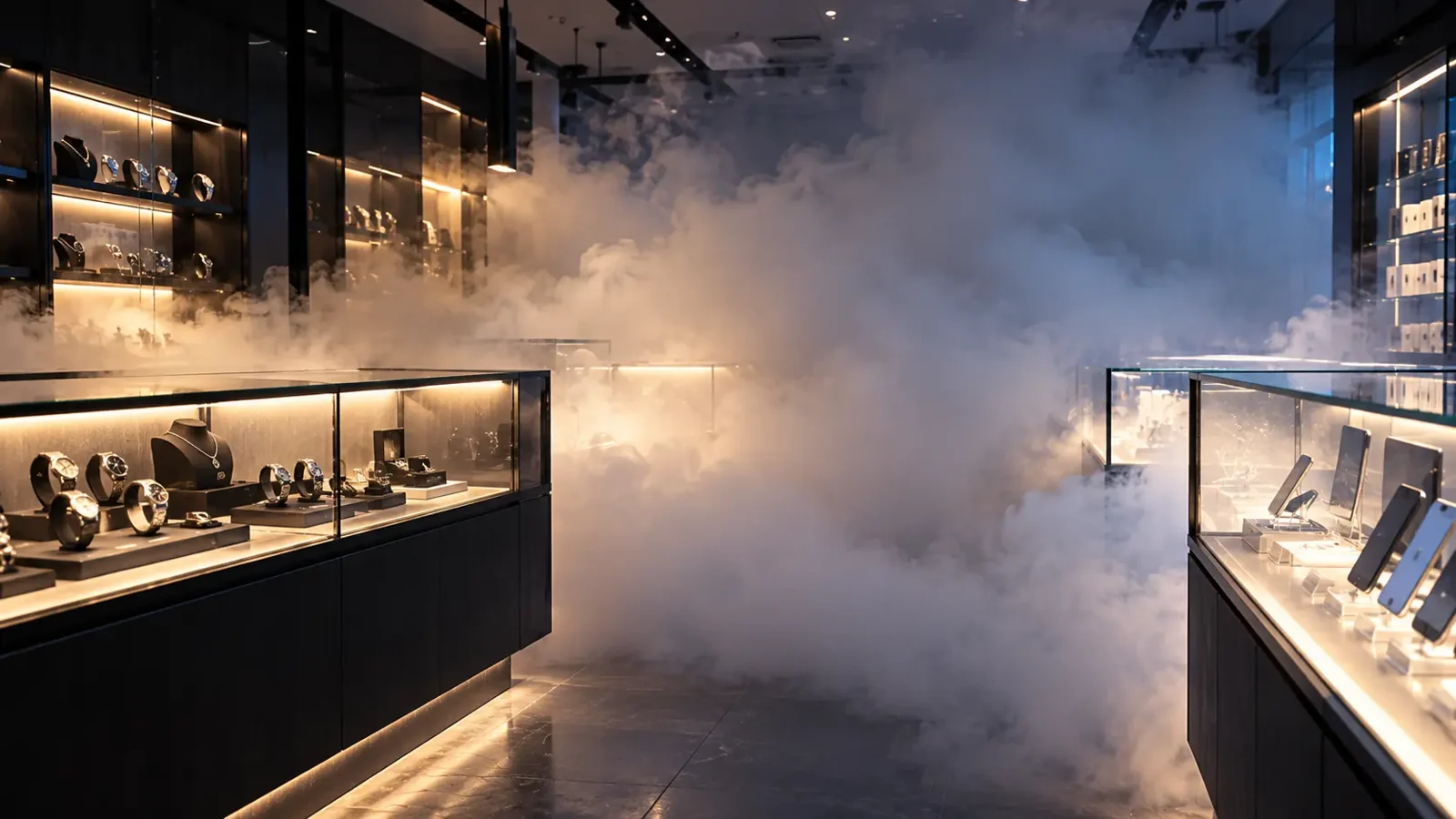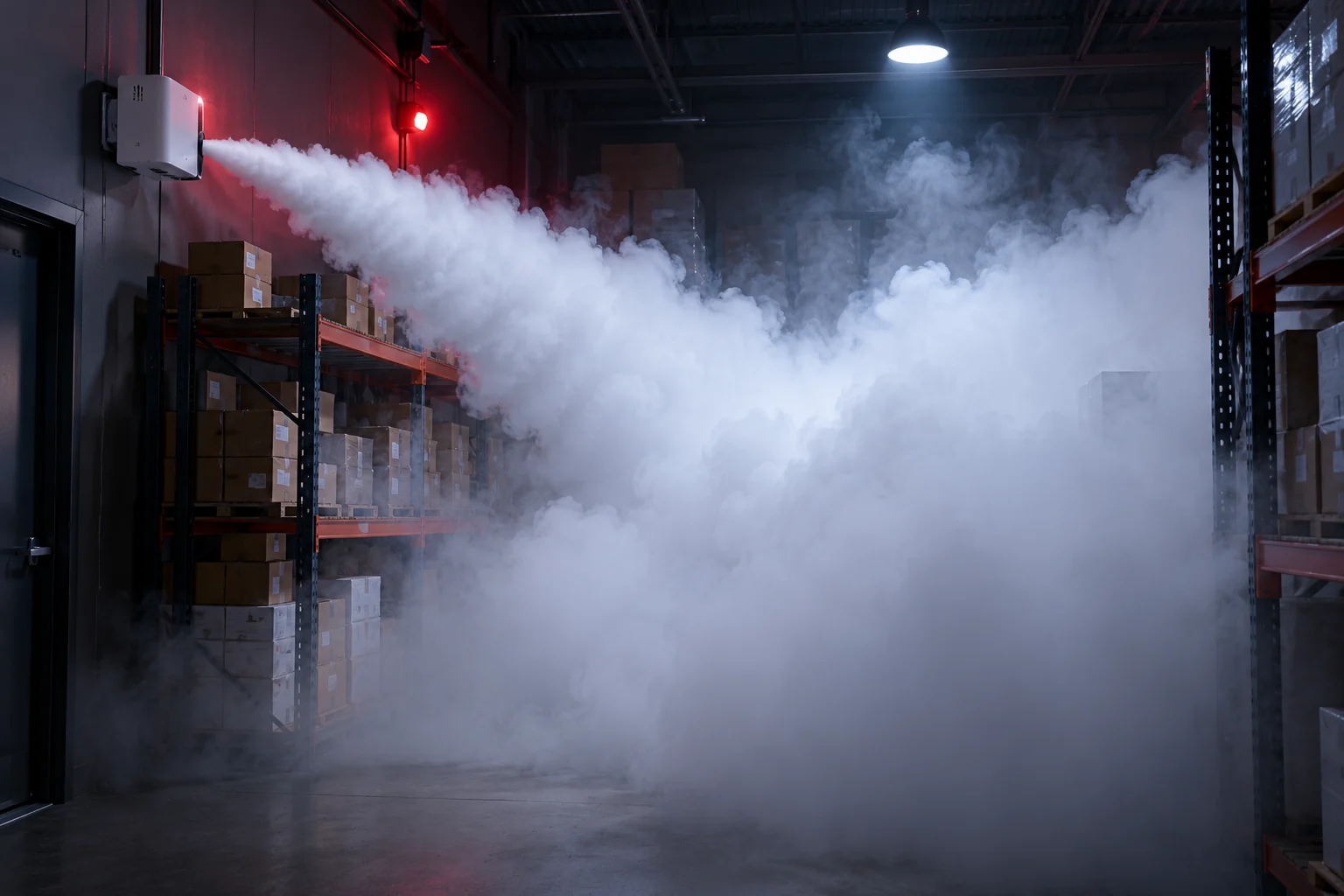
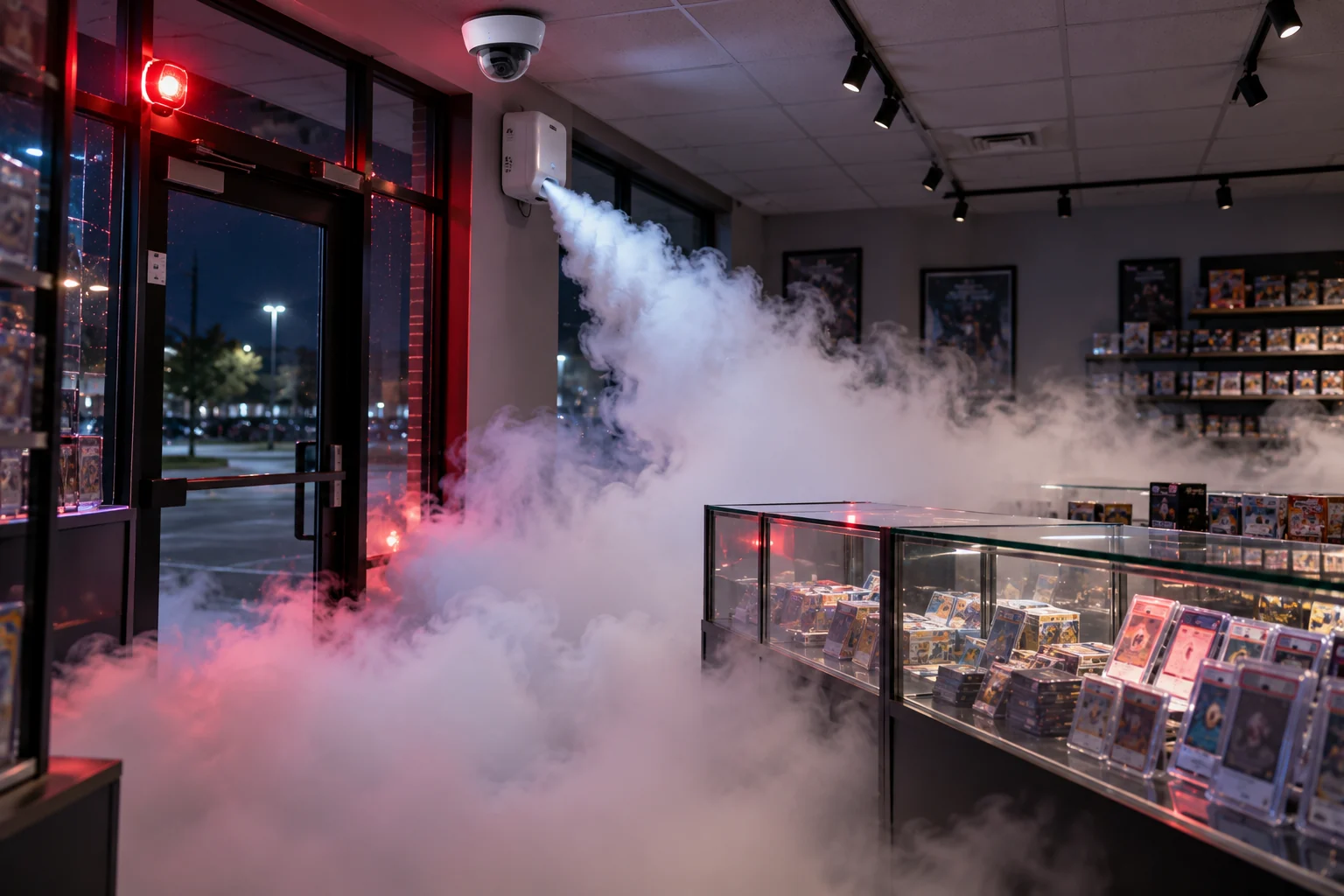
Security fog and a monitored alarm are each useful on their own. Wired together, they're the closest thing to stopping a break-in outright. This article walks through what actually happens, in order, when a Verkada alarm triggers a security fog unit on a KingsGuard-integrated site, so you can see where the decisions are and who makes them.
We'll use a typical case: a small retail store, closed and armed for the night, with Verkada cameras, a Verkada alarm panel with door and glass-break sensors, one security fog unit sized to the sales floor, and KingsGuard live monitoring.
Step 1: Detection
At 2:14 a.m. the rear door is forced. The door contact opens and the glass-break sensor registers the impact. Both are wired to the Verkada alarm panel, which is in armed mode. The panel registers an intrusion event.
At the same moment, the Verkada camera covering the rear entrance detects a person in an area that should be empty. That detection is logged in Command with a video clip attached.
Step 2: The alarm panel fires the relay
The Verkada panel has relay outputs that can be wired to external equipment. One of them is connected to the security fog unit's trigger input. When the panel goes into alarm, that relay closes.
Here there's a design choice, and it's one we make with each client before installation. The relay can fire instantly on alarm, so the fog discharges within seconds of the door being forced. Or the fog can be held until an operator has verified the alarm on video, which prevents a discharge from a false alarm at the cost of a short delay. High-value retail usually chooses instant; sites with more day-to-day false alarm risk may prefer verification.
For this example, the store chose instant.
Step 3: Fog discharges
The security fog unit has been kept warm and ready. When the trigger closes, it vaporizes fluid and discharges a dense white fog at high speed. According to the manufacturer, visibility in a room of the unit's rated size drops to near zero within seconds. The unit is positioned so the first fog lands between the entrance and the display cases, cutting the intruder off from the stock before they reach it.
If the intruder had cut the power beforehand, it wouldn't have mattered: security fog units are insulated to keep working for 1.5 to 3.5 hours after a power cut, according to the manufacturer.
Step 4: Talk-down and siren
While the fog is filling the room, the Verkada system's siren sounds and the talk-down speaker activates. The pre-recorded message tells the intruder that they're being recorded, that police have been notified, and that they should leave immediately. At this point the intruder is standing in a room they can't see, with a siren going and a voice addressing them. In the large majority of cases this is where the event ends: they leave the way they came in.
Step 5: The operator verifies and dispatches
Seconds after the alarm, the event reaches KingsGuard's monitoring centre. The operator sees the alarm, the camera clip from the moment of entry, and the live feed from the store's cameras, which show the room filling. Cameras positioned to see the entrance still have a clear view of the door itself.
The operator confirms this is a real intrusion, not a staff member or a false trip. They can speak live through the talk-down speaker in addition to the recorded message. They call police with a verified crime-in-progress report, which gets a faster response than an unverified alarm, and they dispatch a KingsGuard mobile patrol to attend. If the store has an on-call keyholder, they're contacted.
Step 6: Clearing the room
Once the site is secured, the fog is cleared with ventilation. The manufacturer states the fog fluid leaves no residue on stock, electronics, or surfaces. Our technician resets the unit, checks the fluid level, and confirms the system is ready to arm again. The entire event, from the first sensor trip to the reset, is recorded in Verkada Command: sensor logs, video clips, the operator's actions, and the dispatch record, all with timestamps. That's the package police and insurers ask for.
What we set up so this works
Getting the sequence right depends on a few things done at installation:
- Unit sizing and placement. The fog must fill the room fast enough to matter, and it must be aimed to block the path to the goods without trapping anyone.
- Relay wiring and testing. We test the trigger with a real discharge at commissioning, so the first live event isn't the first time it's fired.
- Signage. Visible signs warning that fog is installed are both a deterrent and a courtesy.
- Annual testing and fluid refills. The system is only useful if it fires when needed.
The same integration works for clients on our Ajax alarm platform with a compatible security fog system.
Want to see the whole sequence run? Book a fog demonstration and we'll walk you through it in a real room.
- Security Fog
- Verkada
- Alarms
- Integration
- Remote Monitoring