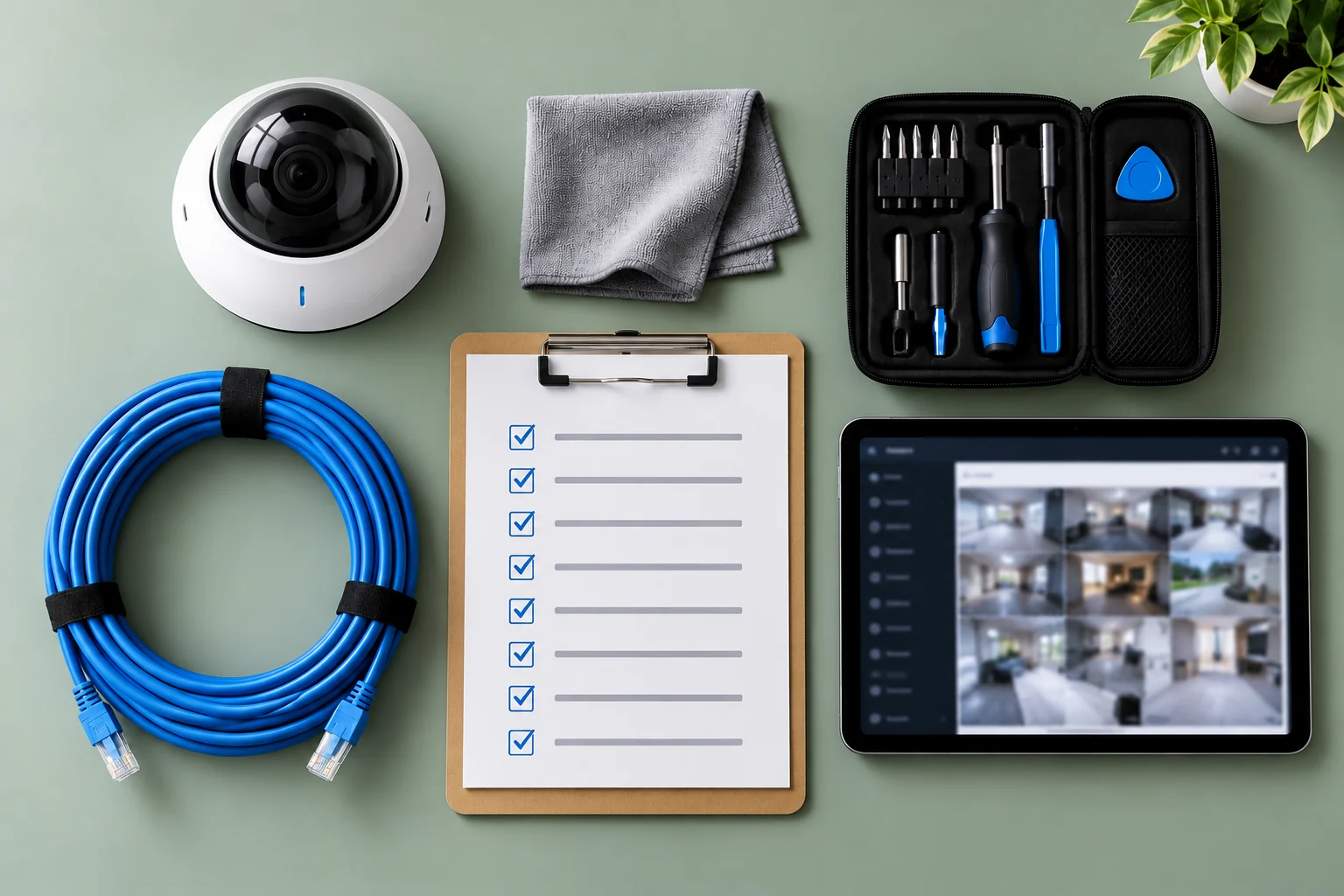
If you're the person responsible for your organization's Verkada system, here's the quarterly routine we run for our Managed Care clients. Do these ten checks every three months and the system will be in good shape when someone asks for footage. Skip them and it probably won't.
Each check takes between five and thirty minutes. Most are done inside Verkada Command; two need someone to walk the building.
1. Look at every device's status
Open the devices list and sort by status. Anything offline, and anything that's been offline for more than a day, needs a reason. Common causes are a swapped switch, a damaged cable, or a PoE budget that was exceeded when something new was plugged in. Don't accept "it comes back on its own" as an answer; intermittent cameras are usually a cabling fault getting worse.
2. Check that alerts are going to a real person
Find the offline-device and tamper alerts and confirm who receives them. Very often the recipient is the original installer, an employee who has since left, or a shared inbox nobody opens. Every critical alert should reach a named person who will act on it, with a backup.
3. Walk the building and look at every camera's view
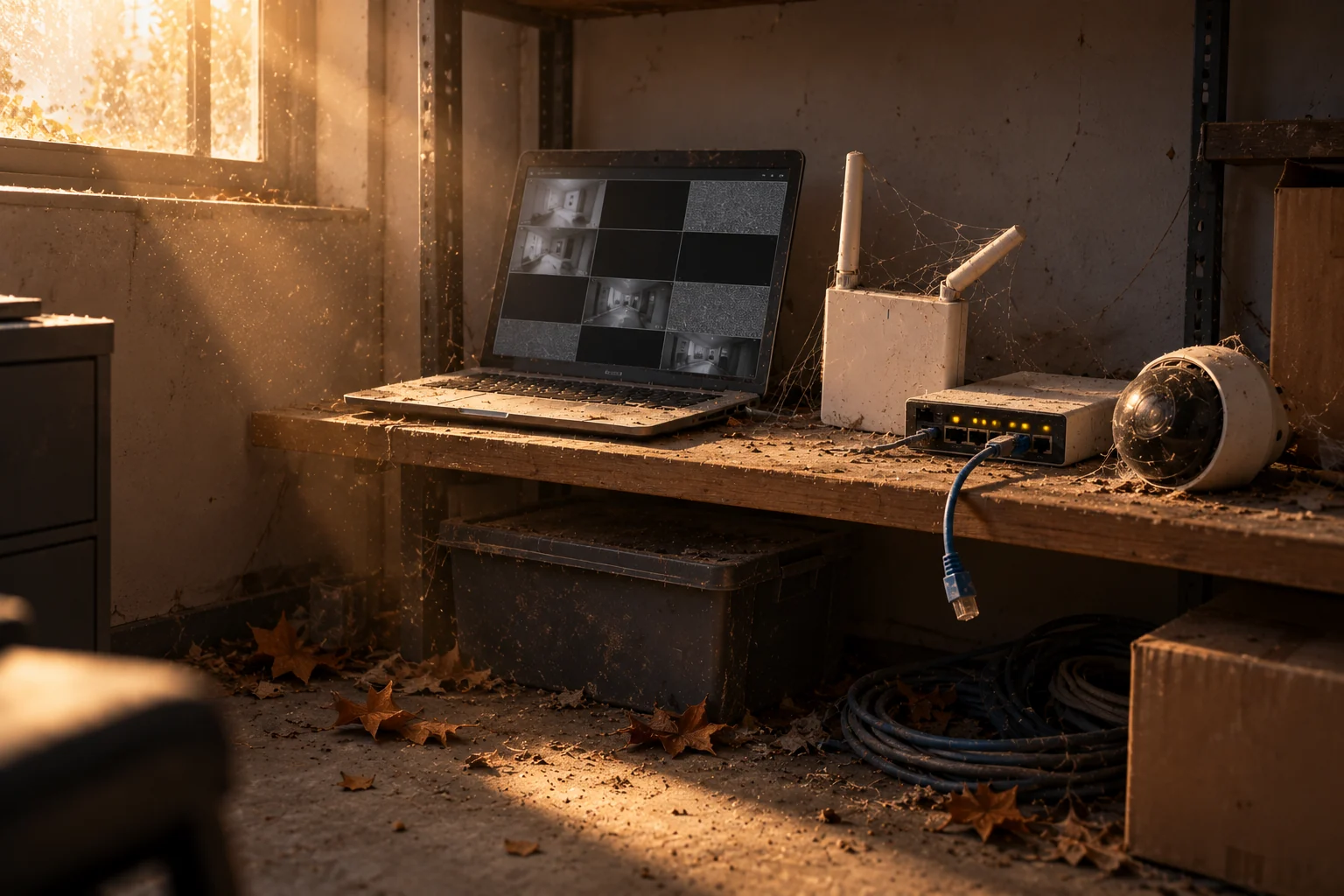
This is the check most people skip. Pull up each camera and compare its current view with what it was installed to see. Look for haze on outdoor domes, spider webs, a lens knocked off angle by a ladder, a new sign or plant blocking the frame, and glare from a new light. Then clean and re-aim anything that's drifted. Cameras that are online but looking at nothing useful are the most common finding in our audits.
4. List your licence expiry dates
Every Verkada device carries its own licence. If cameras were added at different times, the expiry dates are scattered across the year. List them, flag anything expiring in the next six months, and consider co-terming them onto one renewal date so budgeting is a single line item rather than a series of surprises.
5. Review every user account
Export the user list and go through it name by name. Remove anyone who's left. Downgrade anyone with administrator rights who doesn't need them; the person who watches the lobby doesn't need to be able to delete cameras. Confirm two-factor authentication is enforced for everyone, and that your SSO integration, if you have one, is still working.
6. Test an alert end to end
Walk in front of a camera during a time when the alert should fire, and confirm the notification arrives on the right phone within a reasonable time. Do the same for a door-held-open alert if you have access control. An alert that hasn't been tested in a year has probably been silently broken by a schedule change.
7. Tune the noise
Look at how many alerts were sent in the last quarter and how many were useful. If people have muted notifications, the alerts are wrong, not the people. Use person and vehicle detection instead of raw motion, narrow the activity zones, add line-crossing rules where you care about a fence or a door, and put schedules on everything so daytime traffic doesn't page anyone.
8. Confirm retention is what you think it is
Verkada cameras store footage onboard for anywhere from 30 to 365 days depending on the model and settings. Check that each camera's retention matches what your insurer, your board, or your own policy expects, and that any cloud backup or archive settings are still active.
9. Retrieve a clip the proper way
Pick a random date and time and archive a clip from two or three cameras, then share it by link. Note how long it took and whether the person doing it knew the steps. If the answer is "we'd just record the screen with a phone", that's a training gap to close before an incident, because screen recordings are far weaker evidence for police and insurers.
10. Read the quarter's incidents
Finally, pull up whatever the system caught in the last three months and ask whether the cameras were in the right places. Every building changes. A new loading door, a rearranged parking lot, a tenant turnover: each one can leave a gap that only shows up when you look back.
If you'd rather someone else did this
This is exactly the list our technicians work through for Verkada Managed Care clients, along with warranty handling, remote fixes, and a written quarterly report. You add us as an administrator on your Command organization, keep ownership, and can remove us any time. It doesn't matter who installed the system.
Want the audit done for you? Book a free Verkada health audit and we'll run all ten checks and send you the findings.
- Verkada
- Managed Care
- Checklist
- Best Practices