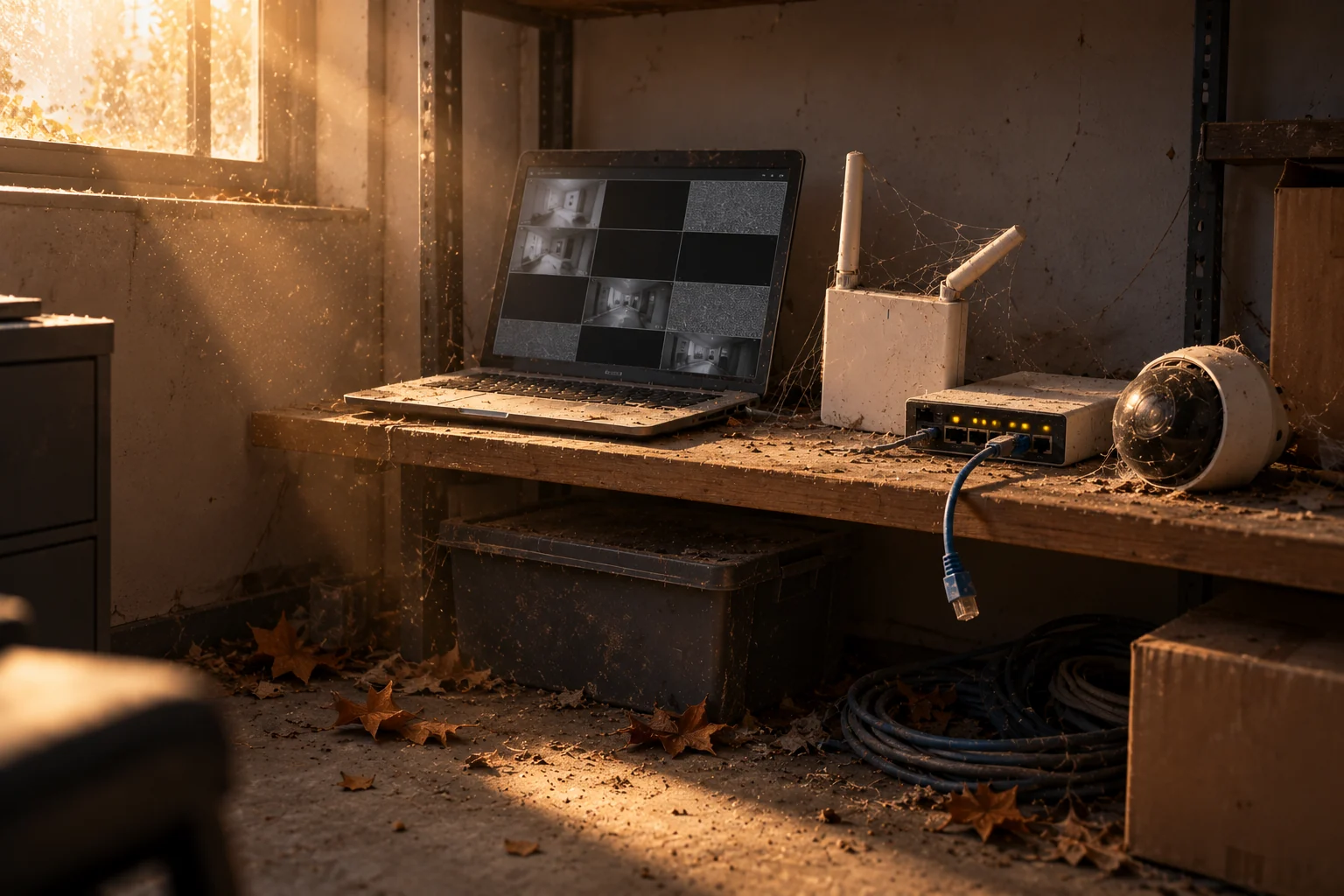
It happens more often than you'd think. A company sold you Verkada, installed it, and set it up. Now a camera is offline, a licence renewal notice has arrived, or someone needs footage, and the installer's phone goes to voicemail. Maybe they've closed. Maybe they were an IT firm that decided security wasn't worth the trouble. Maybe they're just busy. Either way, you own a system and nobody is supporting it.
The good news: Verkada is a cloud platform, and the system belongs to you, not to the installer. Nothing about it is locked to them. Here's how to take back control and what to do next.
Step one: confirm who owns the Command organization
Log into Verkada Command. If you can, look at the users and find who holds the organization admin role. Ideally that's someone at your company. If the only admins are people at the installer, that needs fixing first.
If you can't log in at all, and the installer set everything up under their own accounts, contact Verkada support directly. Verkada can help verify ownership of the organization and transfer administrative control to the actual customer. Have your purchase documentation ready. This is the one step only you or Verkada can do; a new provider can't take over an account they can't see.
Step two: add a new administrator and remove the old ones
Once you have admin access, add your own people, then review every account. Remove the installer's users unless you plan to keep working with them. Check that two-factor authentication is on. This is also the moment to remove anyone who's left your organization since the install.
Step three: find out what's actually wrong
With access sorted, look at the device list. Anything offline, any tamper events, any licences expiring soon. Walk the building and look at each camera's view. Write it down. You now have a list of what needs fixing, which is what any new support provider will ask for.
Step four: use the warranty
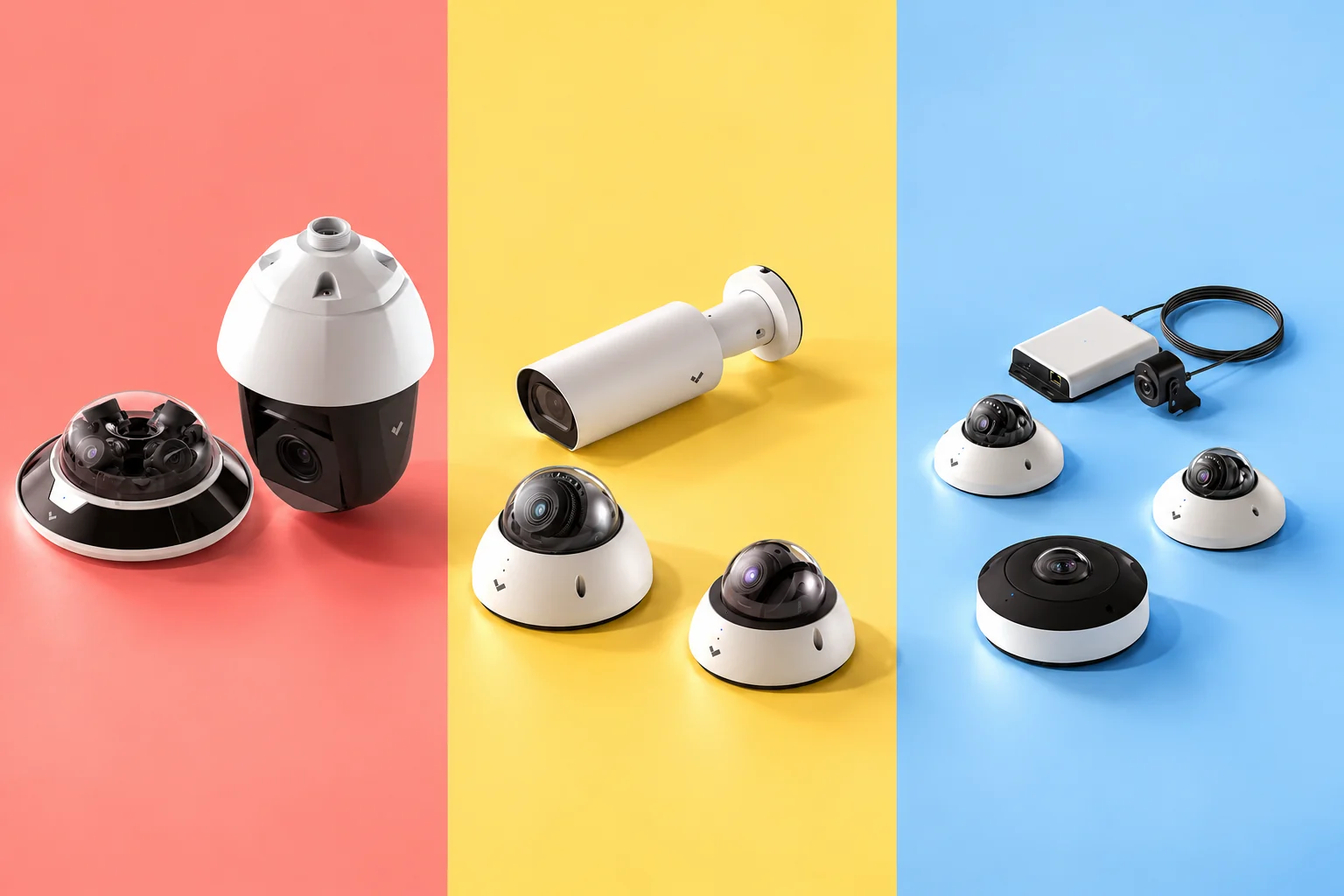
Verkada hardware carries a 10-year warranty, and it doesn't matter who installed it. A failed camera or controller can be replaced through Verkada's RMA process. The installer isn't part of that transaction; the customer is, or a partner acting on the customer's behalf.
Step five: decide who supports it going forward
You have three options.
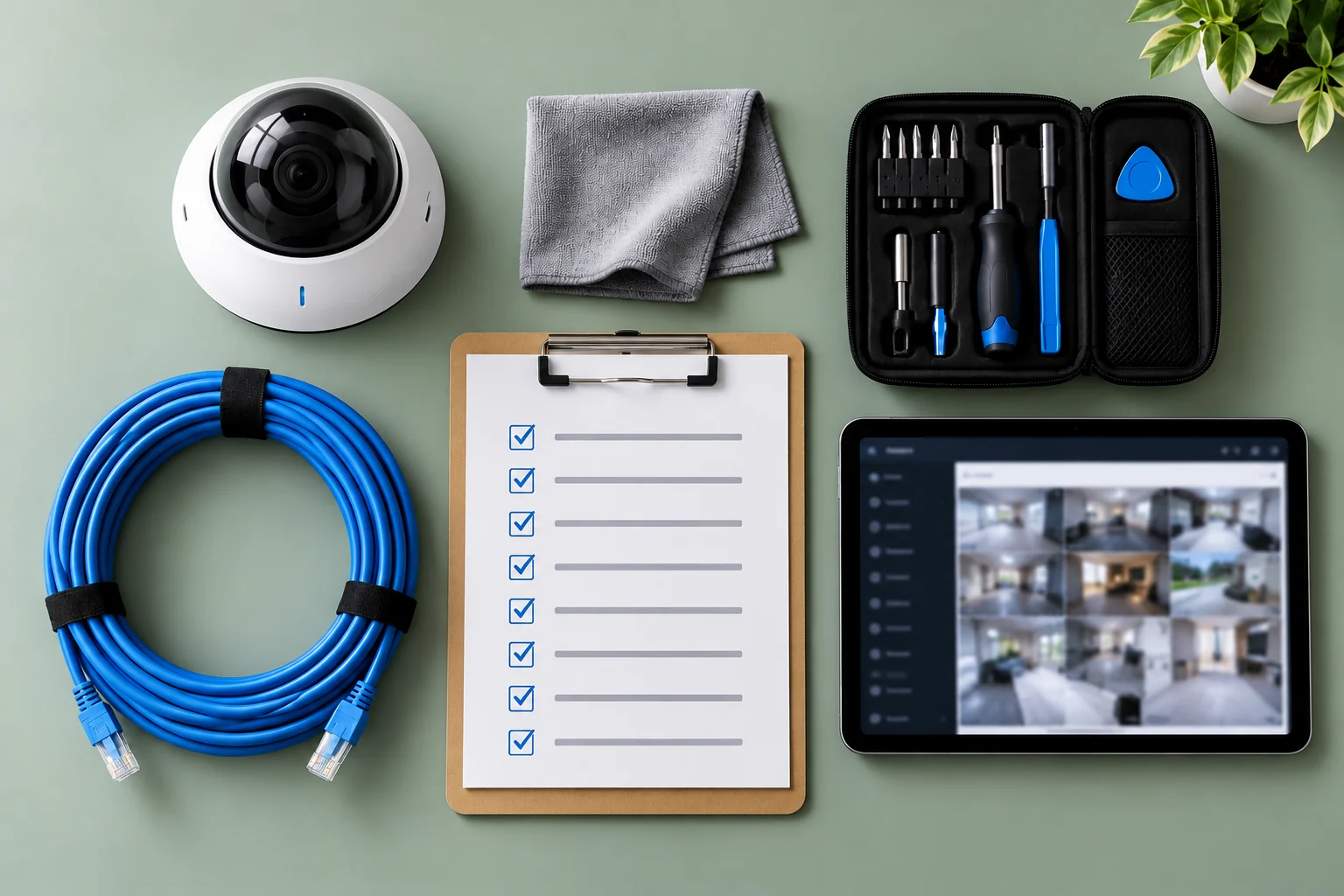
Support it yourself. Fine for organizations with an IT team willing to own it. The quarterly checklist in our earlier article covers what that involves.
Find another installer for one-off fixes. Works for the immediate problem, but you'll be back in the same place the next time something breaks.
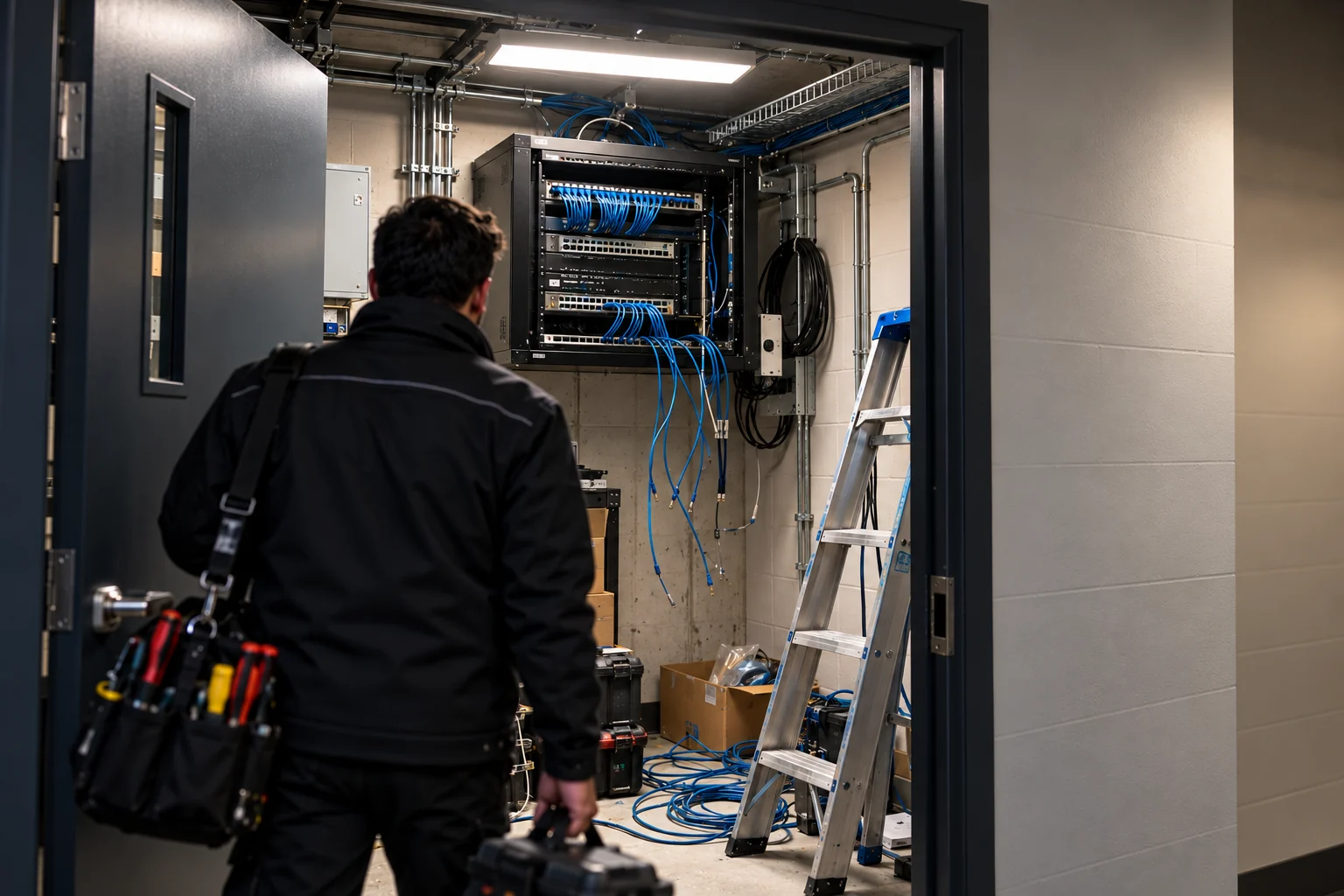
Put it on a managed care plan. This is what KingsGuard's Verkada Managed Care is for, and it's built for exactly this situation. You add us as an administrator on your Command organization; you stay the owner and can remove us at any time. We run an onboarding audit, fix what's broken, handle the warranty replacements, take over licence tracking, tune the alerts, review user access every quarter, make preventive visits, and pull footage when you ask. It doesn't matter who installed the system or where in Ontario it is.
What we usually find on an inherited system
When we take over a Verkada organization from a vanished installer, the pattern is consistent: a few cameras offline for weeks, licences on scattered expiry dates with at least one already lapsed, the installer's accounts still holding admin rights, alerts routed to the installer's email, and nobody on the client side who's ever archived a clip. None of it is hard to fix. It just needs someone assigned to it.
A note on choosing a new provider
Ask whether they're a security company or an IT company. IT resellers install Verkada well but tend to lose interest once the project closes. A security company has guards and monitoring operators who use the same cameras every day, so keeping them working is part of the business, not a side line. Ask who answers the phone at 2 a.m., because eventually that's when you'll be calling.
Inherited a Verkada system nobody is supporting? Book a free health audit and we'll tell you what state it's in, whether or not you sign up.
- Verkada
- Support
- Managed Care
- Canada